
Cloud Kitchen POS in Pakistan: What You Need to Run Delivery Orders Smoothly
A cloud kitchen has no dining room and no walk-in customers. All the work happens in the kitchen, and all the sales happen through delivery. That makes the day very different from a normal restaurant. There are no tables to manage, but there are riders to assign, orders to time, and customers waiting for a phone call or a doorbell.
A POS made for a normal restaurant does not always fit this kind of business. This guide explains what a cloud kitchen needs from its POS, and how to choose one in simple steps.
What is a cloud kitchen?
A cloud kitchen (also called a delivery-only or dark kitchen) prepares food only for delivery or pickup. There is no seating area. Customers order by phone, social media, messaging apps or online platforms, and the food is delivered to their door.
The benefit is lower cost, since you do not need a big dining space. The challenge is that everything depends on speed, accuracy and delivery.
How a cloud kitchen is different from a restaurant
| Restaurant | Cloud kitchen | |
|---|---|---|
| Customers | Dine-in, takeaway and delivery | Delivery and pickup only |
| Tables | Yes, table management needed | No tables |
| Biggest challenge | Serving many guests at once | Getting every order out on time and to the right address |
| Key people | Waiters and kitchen | Kitchen and delivery riders |
| Customer contact | Face to face | Phone and messages |
If you run a cloud kitchen, you need a POS that is built around delivery, not around tables.
7 things a cloud kitchen POS should do
1. Take orders quickly and accurately
Orders come in from different places, and mistakes are expensive: a wrong item means a refund, a bad review and a lost customer. The POS should make it easy to enter an order, add notes (for example "less spicy"), and confirm it clearly.
2. Show order status clearly
Everyone should know where an order stands: received, being prepared, ready, or out for delivery. This stops the common problem of calling the kitchen again and again to ask, "Is it ready?"
3. Assign riders
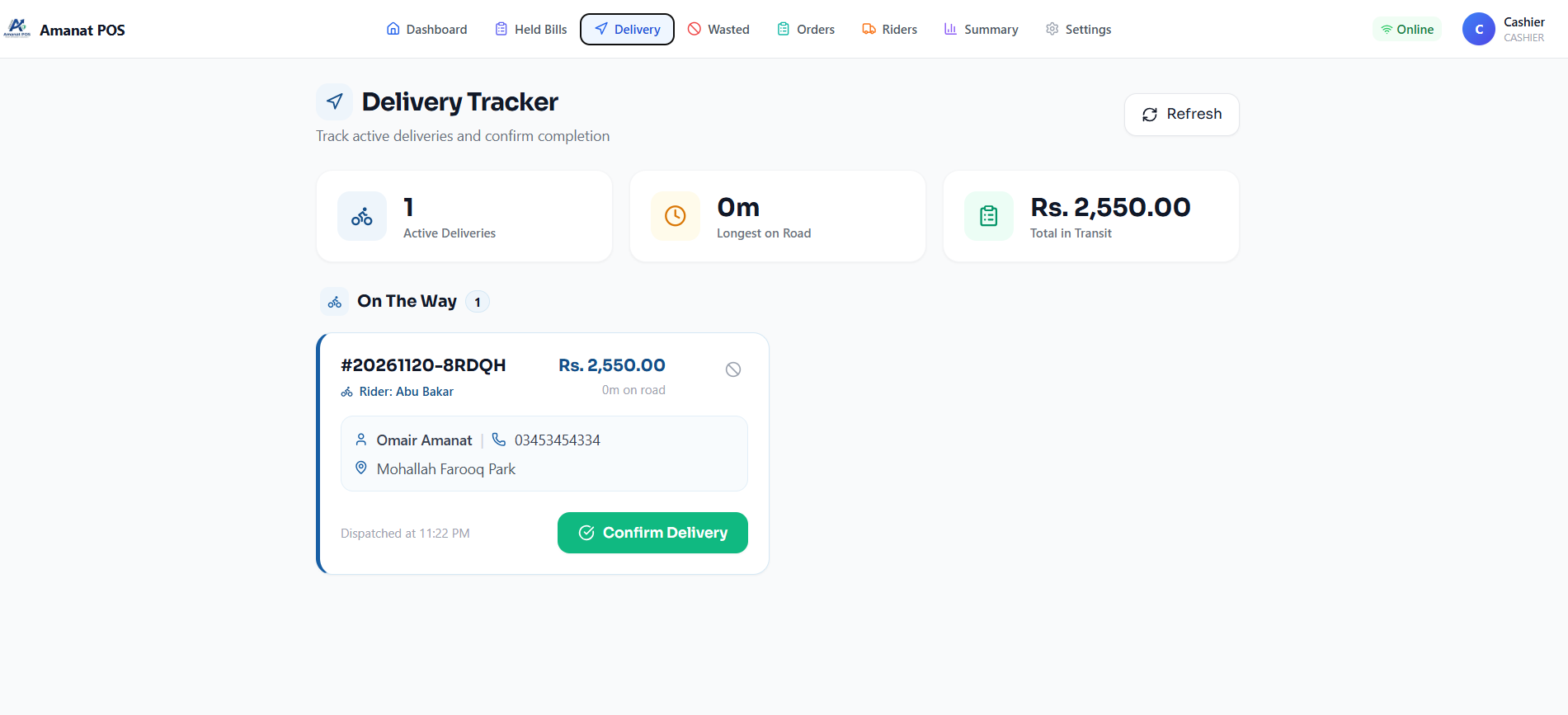
Once an order is ready, someone has to take it. Your POS should let you assign an order to a rider, so you know who has which order and where it should go.
4. Track deliveries
Customers call to ask where their food is. If you can see which orders are on the way and which are delivered, you can answer them in seconds.
5. Hold bills
Sometimes an order is not final yet, or a customer wants to add something. Held bills let you pause an order and return to it later without losing it.
6. Schedule future orders
Many cloud kitchens get orders for later: lunch boxes for tomorrow, a family dinner on Friday, or an office order for next week. A POS that supports scheduled orders helps you plan your kitchen instead of guessing.
7. Show clear reports
At the end of the day, you should see how many orders you handled, what you sold and how much came in. Clear numbers help you find which items sell, and where time or money is lost.
Mistakes cloud kitchen owners make
- Using a restaurant POS full of table features they never use
- Tracking riders and orders in WhatsApp chats or on paper
- Not tracking order status, so every delay turns into a phone call
- Ignoring scheduled orders until they are forgotten
- Skipping the demo and testing a POS only after paying
A quick checklist you can copy
- Fast, accurate order entry with notes
- Clear order status (new, preparing, ready, on the way, delivered)
- Rider assignment
- Delivery tracking
- Held bills
- Scheduled future orders
- Daily sales reports
- Staff roles with limited access
- Clear pricing and good support
What about the kitchen itself?
Even without a dining room, the kitchen needs a clear way to receive orders. We explain the difference between a kitchen order ticket and a kitchen display screen in our guide on KOT vs KDS.
How Amanat POS fits a cloud kitchen
The Cloud Kitchen Edition of Amanat POS is built for delivery-first food businesses. It includes rider assignment, delivery tracking, order status tracking, held bills and scheduling of future orders. FBR invoice integration is included.
The Cloud Kitchen Edition costs Rs. 5,999 per month per business location, and the first month is free, with no credit card required. You can read more on the Cloud Kitchen Edition page or see all editions on the pricing page.
If you are comparing options and want to understand costs, our guide on what is really free in POS software can help.
The best test is to use it with your own menu. Enter a few real orders, assign a rider, schedule one future order and look at the daily summary. You can book a demo or start your free first month.
Before you start a food business, also check any licensing and tax requirements with the relevant authorities and your accountant, since rules can change.
Quick summary
- A cloud kitchen sells only through delivery, so its POS should focus on orders, riders and timing, not on tables.
- Look for order status tracking, rider assignment, delivery tracking, held bills and scheduled orders.
- Avoid tracking orders in chats or on paper.
- Test the POS with your own menu before you decide.
Frequently asked questions
What is a cloud kitchen POS? A cloud kitchen POS is software for a delivery-only food business. It helps you take orders, track order status, assign riders and see your daily sales.
Do I need table management in a cloud kitchen? No. A cloud kitchen has no dining area, so you should look for delivery features instead, such as rider assignment and delivery tracking.
Can I schedule orders for later? With the right POS, yes. Amanat POS supports scheduling of future orders in the Cloud Kitchen Edition.
How much does the Cloud Kitchen Edition of Amanat POS cost? Rs. 5,999 per month per business location, with the first month free and no credit card required.
Does Amanat POS include FBR integration for cloud kitchens? FBR invoice integration is included in every edition, including the Cloud Kitchen Edition. Confirm with your accountant whether it applies to your business.
Ready to streamline your business?
See how Amanat POS can help you manage billing, inventory, and operations — all in one system.
Related Articles
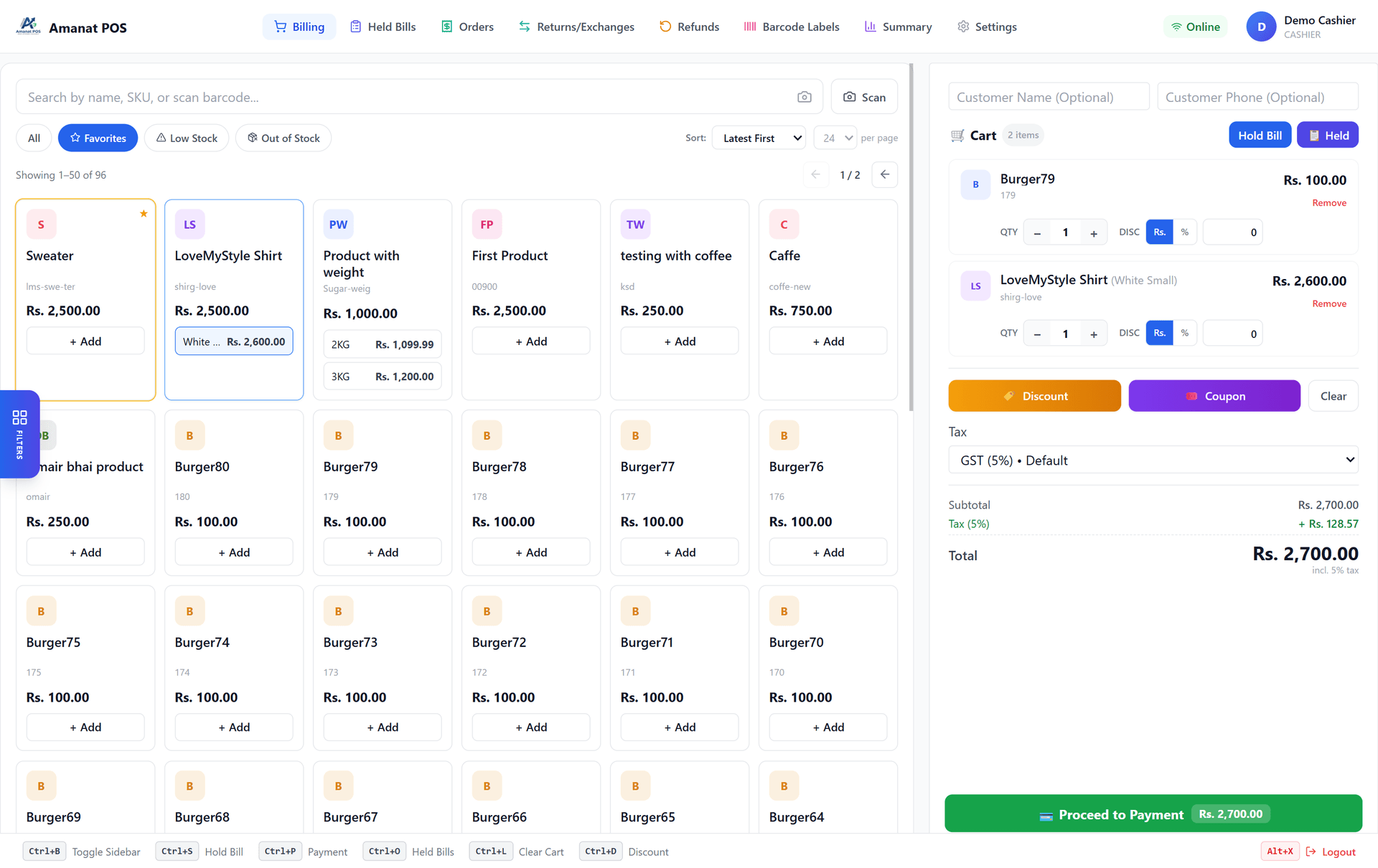
Free POS Software in Pakistan: What Is Really Free and What Is Not?
Searching for free POS software in Pakistan? Learn the difference between a free plan, a free trial and a free-looking product with hidden costs, before you commit.
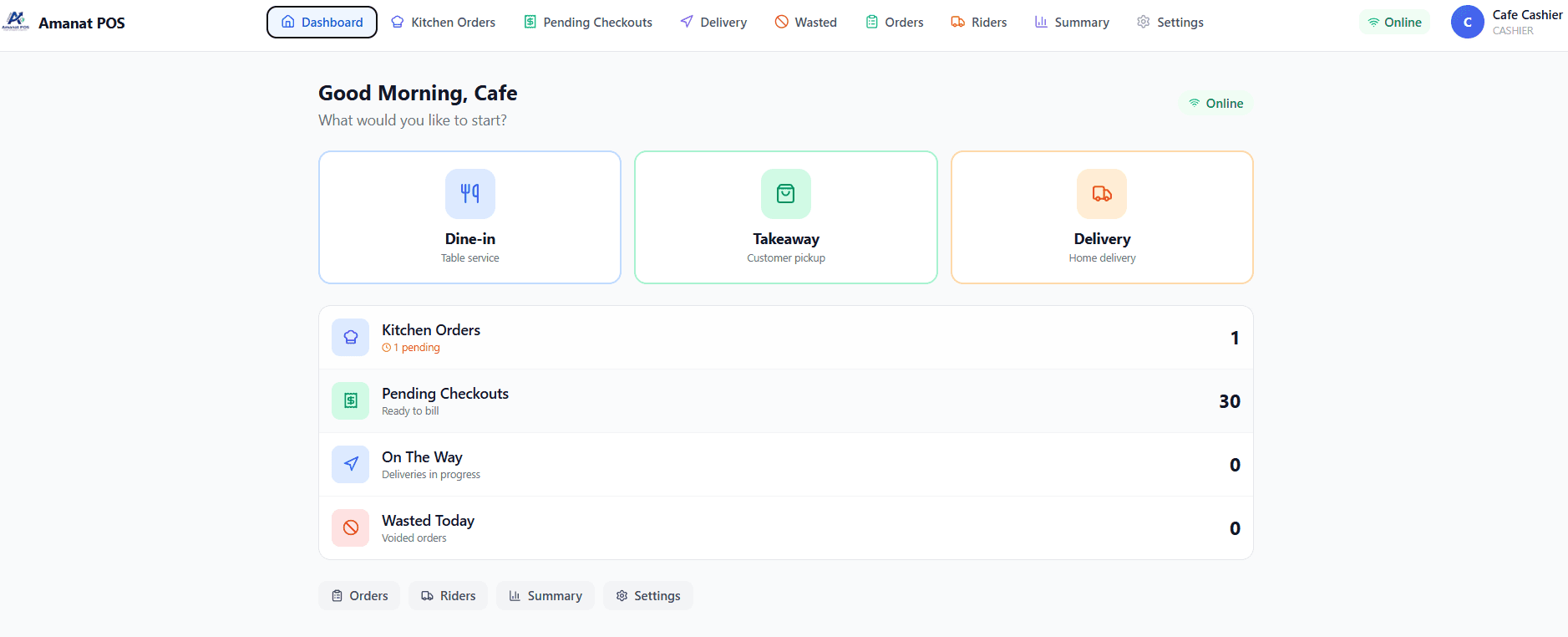
How to Choose a Restaurant POS System in Pakistan: A 2026 Buyer's Checklist
A restaurant is not a shop. Here is a simple checklist to help you choose a POS system that fits table service, kitchen workflow, delivery and FBR requirements.
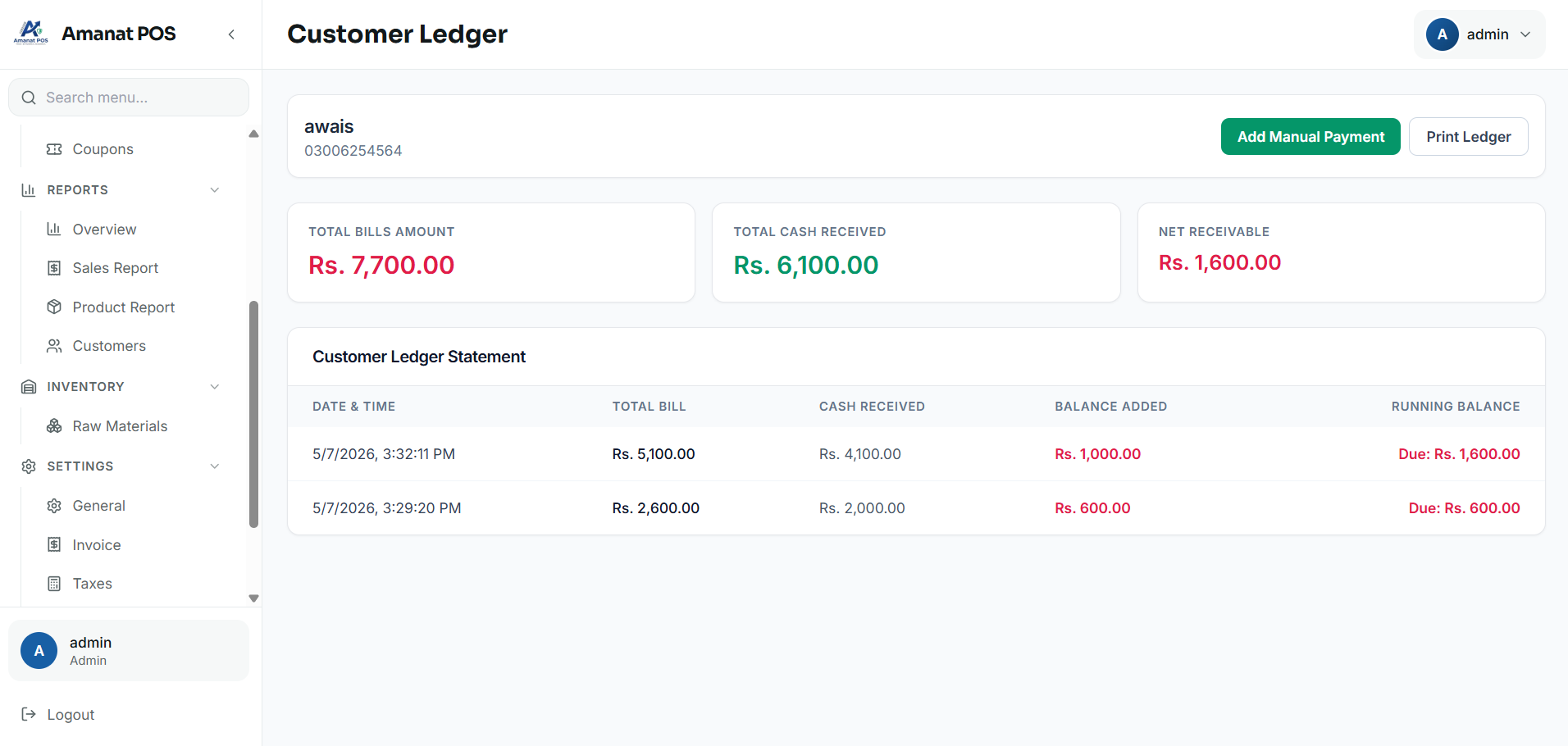
How to Manage Customer Udhaar (Credit) in Your Shop Without a Notebook
Udhaar keeps customers loyal, but notebook records cause disputes and lost money. Learn simple rules to manage customer credit, and how a POS makes it easier.