
How to Manage Customer Udhaar (Credit) in Your Shop Without a Notebook
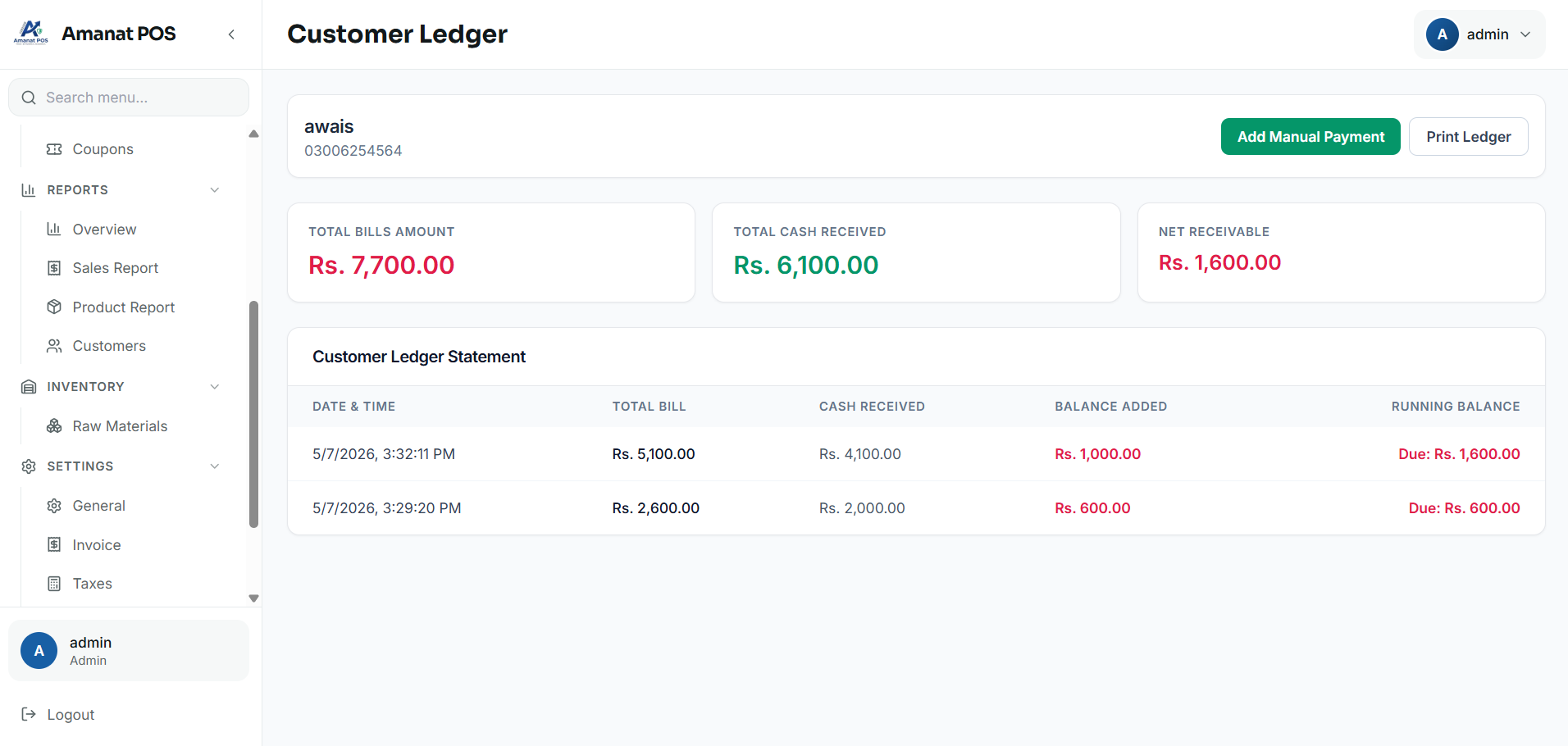
In many shops and distribution businesses in Pakistan, credit is part of daily life. A regular customer takes goods today and pays at the end of the week or month. This is udhaar, or khata, and it builds trust and loyalty.
But udhaar also creates problems. Entries are forgotten. Amounts are disputed. Money stays stuck with customers for months. And the owner often cannot say, at any moment, how much is waiting to be collected.
This guide explains how to manage customer credit in a simple, organized way, and how a POS can replace the notebook.
Why the notebook (khata register) causes problems
A paper register works when you have ten customers. It starts to fail when you have a hundred.
Here are the common problems:
- Missed entries. On a busy day, a sale is given on credit and nobody writes it down.
- Disputes. A customer says they paid, but the entry says otherwise, and there is no proof.
- No quick answer. You cannot tell in one minute how much a customer owes in total.
- No overview. You do not know how much is outstanding across all customers.
- Lost or damaged pages. One spilled cup of tea, and the record is gone.
- Dependence on one person. If the person who keeps the register is absent, nobody else can update it.
7 simple rules for managing udhaar
You do not need complicated systems. These rules work for most businesses:
1. Decide who gets credit
Not every customer should get udhaar. Give it to regular customers whose payment history you trust, and keep new customers on cash until they are known.
2. Set a limit for each customer
Decide the maximum amount a customer can owe at one time. When the limit is reached, collect payment before giving more credit. This protects your cash flow.
3. Agree on a payment period
Tell the customer clearly when payment is due, for example weekly, fortnightly or monthly. A clear date prevents silent delays.
4. Record every credit sale immediately
The entry should be made at the time of sale, with the date, items and amount. Never "later".
5. Record every payment immediately
When a customer pays, record it at once, even if it is a partial payment. This keeps the balance correct and avoids disputes.
6. Share a statement regularly
Give or send each credit customer a statement showing what they bought, what they paid and what is left. Customers usually respect a clear record much more than a verbal reminder.
7. Review outstanding balances every week
Once a week, look at who owes the most and who is overdue. Follow up politely but consistently. Small delays turn into big losses when nobody checks.
What to track for every credit customer
For each customer, you should be able to see:
- Name and contact number
- Credit limit
- Current balance (how much they owe)
- Each credit sale with date and amount
- Each payment received with date and amount
- Overdue amounts
If you can see all of this in a few seconds, you are in control of your credit.
How a POS helps with udhaar
A POS with a customer credit ledger turns these rules into daily habits:
- The sale and the credit entry happen together. When the cashier gives goods on credit, the amount goes to that customer's ledger automatically, so nothing is forgotten.
- Outstanding payments in one place. You can see how much each customer owes, and how much is outstanding overall.
- Customer statements. You can produce a statement for any customer instead of searching through a register.
- A clear history. Every sale and every payment has a record, which helps when there is a disagreement.
- Staff can help. Different users can record sales, so you are not dependent on one person.
Choosing a POS for credit management
If udhaar is important to your business, check these before you choose:
- Does it keep a separate credit ledger for each customer?
- Can you see outstanding payments across all customers?
- Can you print or share customer statements?
- Can you record partial payments?
- Does it work for both retail sales and bulk or wholesale sales?
- Is the essential credit feature included, or locked behind a higher plan?
We covered more questions to ask in our guide on what is really free in POS software.
How Amanat POS handles customer credit
The Wholesale Edition of Amanat POS includes customer credit ledgers, outstanding payment tracking, customer statements, purchase management and discount rules, built for distributors and bulk sellers. You can read more on the Wholesale Edition page.
If you run a shop or grocery store, the Retail Edition includes customer management along with barcode billing and stock tracking.
The Retail and Wholesale editions cost Rs. 4,999 per month per business location. The first month is free, with no credit card required. See all editions on the pricing page.
The best way to test it is with your own customers. Enter a few of your regular credit customers, record some sales and payments, and see how the statement looks. You can book a demo or start your free first month.
Quick summary
- Udhaar builds loyalty, but notebook records cause missed entries, disputes and delays.
- Give credit only to trusted customers, with a clear limit and a clear payment period.
- Record every credit sale and every payment immediately.
- Share statements regularly and review outstanding balances every week.
- A POS with a customer credit ledger makes these habits easier and keeps the record safe.
Frequently asked questions
What is udhaar in business? Udhaar is selling goods on credit. The customer takes the goods now and pays later. In shops it is also called khata.
How do I stop customers from delaying udhaar payments? Agree on a payment period at the start, set a credit limit, share regular statements and follow up consistently. A clear record makes it easier to ask for payment.
Is it better to use a register or a POS for customer credit? A register is fine for a very small number of customers. As your customers grow, a POS with a credit ledger saves time, reduces errors and gives you a clear total of outstanding payments.
Does Amanat POS have a customer credit ledger? Yes. The Wholesale Edition includes customer credit ledgers, outstanding payments and customer statements.
How much does the Wholesale Edition cost? Rs. 4,999 per month per business location, with the first month free.
Ready to streamline your business?
See how Amanat POS can help you manage billing, inventory, and operations — all in one system.
Related Articles
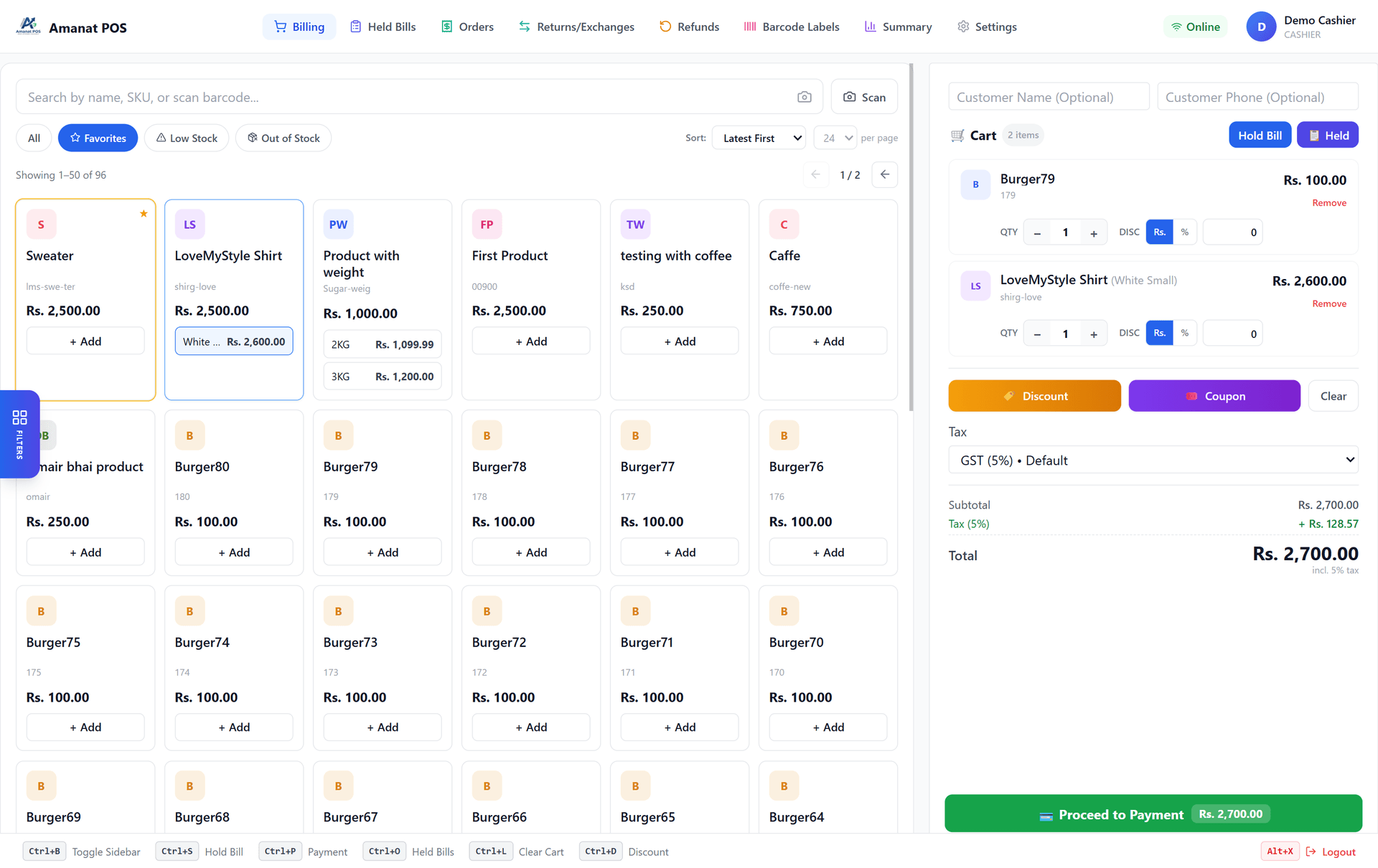
Free POS Software in Pakistan: What Is Really Free and What Is Not?
Searching for free POS software in Pakistan? Learn the difference between a free plan, a free trial and a free-looking product with hidden costs, before you commit.
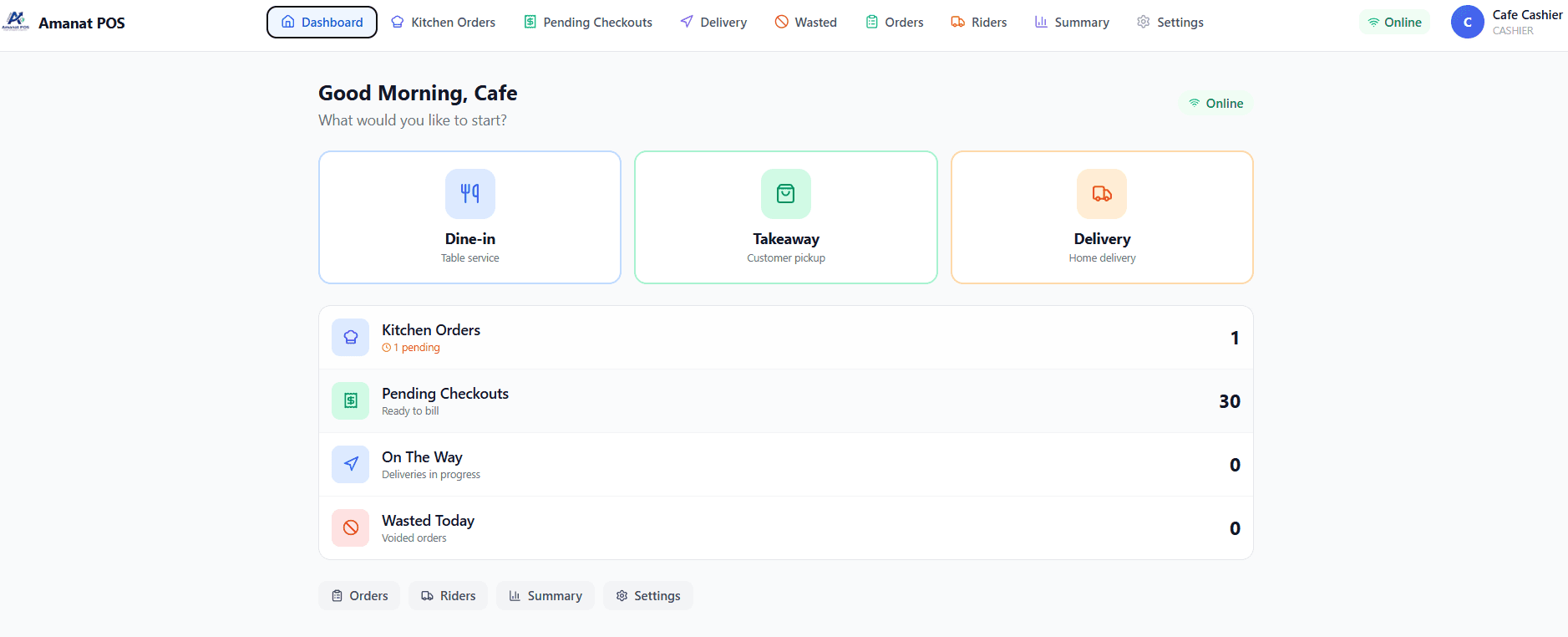
How to Choose a Restaurant POS System in Pakistan: A 2026 Buyer's Checklist
A restaurant is not a shop. Here is a simple checklist to help you choose a POS system that fits table service, kitchen workflow, delivery and FBR requirements.
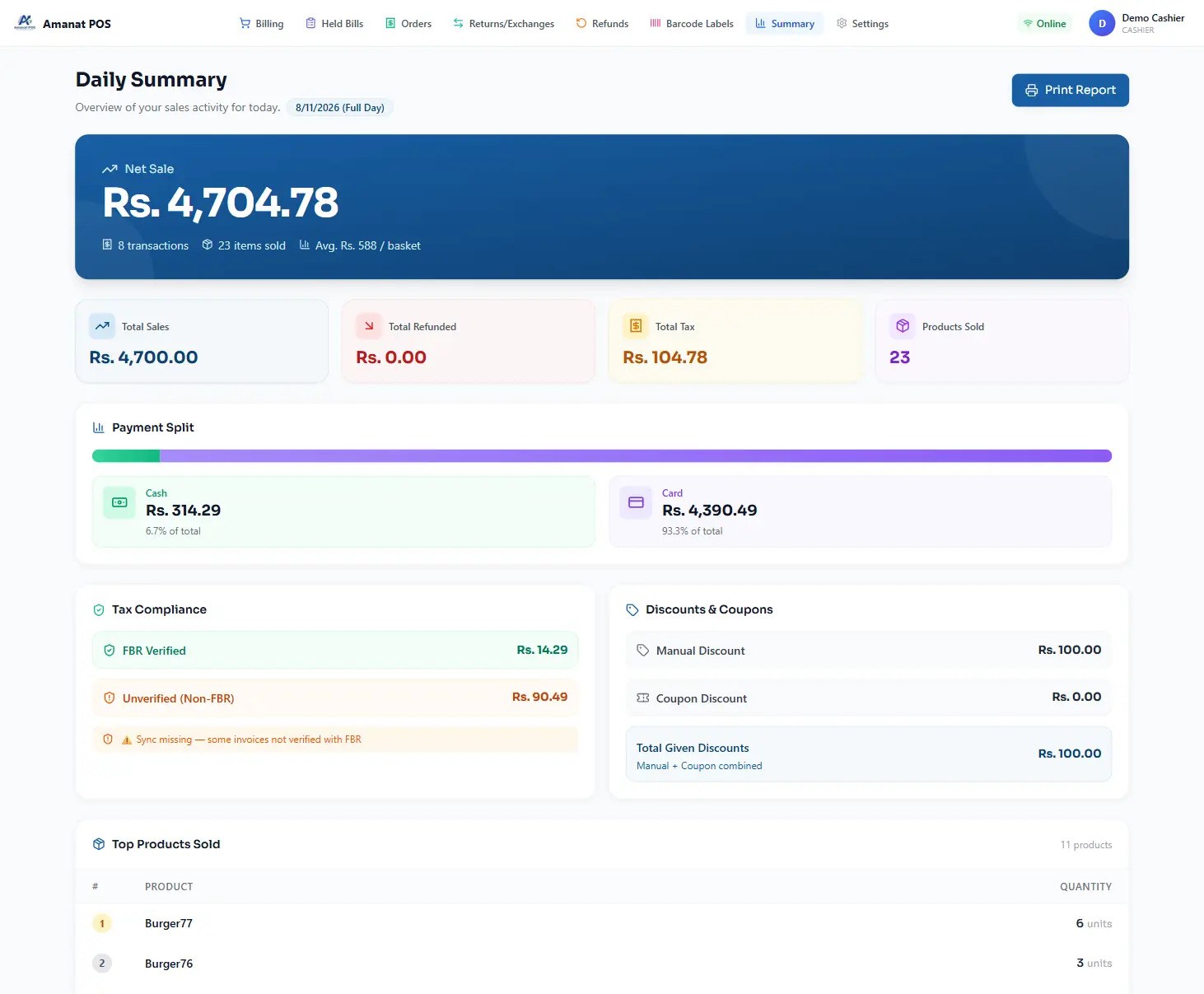
How to Choose a POS for Your Grocery Store or Retail Shop in Pakistan
Choosing a POS for your shop? Use this simple guide to check barcode billing, stock tracking, returns, customer records, pricing and support before you decide.