
How to Choose a POS for Your Grocery Store or Retail Shop in Pakistan
Running a shop in Pakistan is a busy job. Customers wait at the counter, stock keeps moving, regular customers ask for credit, and at the end of the day you still want to know how much you really earned.
A good POS makes this easier. A poor one slows the counter and adds more work. This guide helps you choose a retail POS for your grocery store, pharmacy, clothing shop, electronics shop or general store, in simple steps.
Step 1: Know what your shop really needs
Before you look at any software, write down your daily problems. For example:
- Billing is slow when the shop is crowded.
- You do not know when an item is about to run out.
- Stock counts never match.
- Credit (udhaar) records are in a notebook.
- You cannot tell your profit at the end of the day.
The right POS is the one that solves your problems, not the one with the longest feature list.
Step 2: Check these 8 things
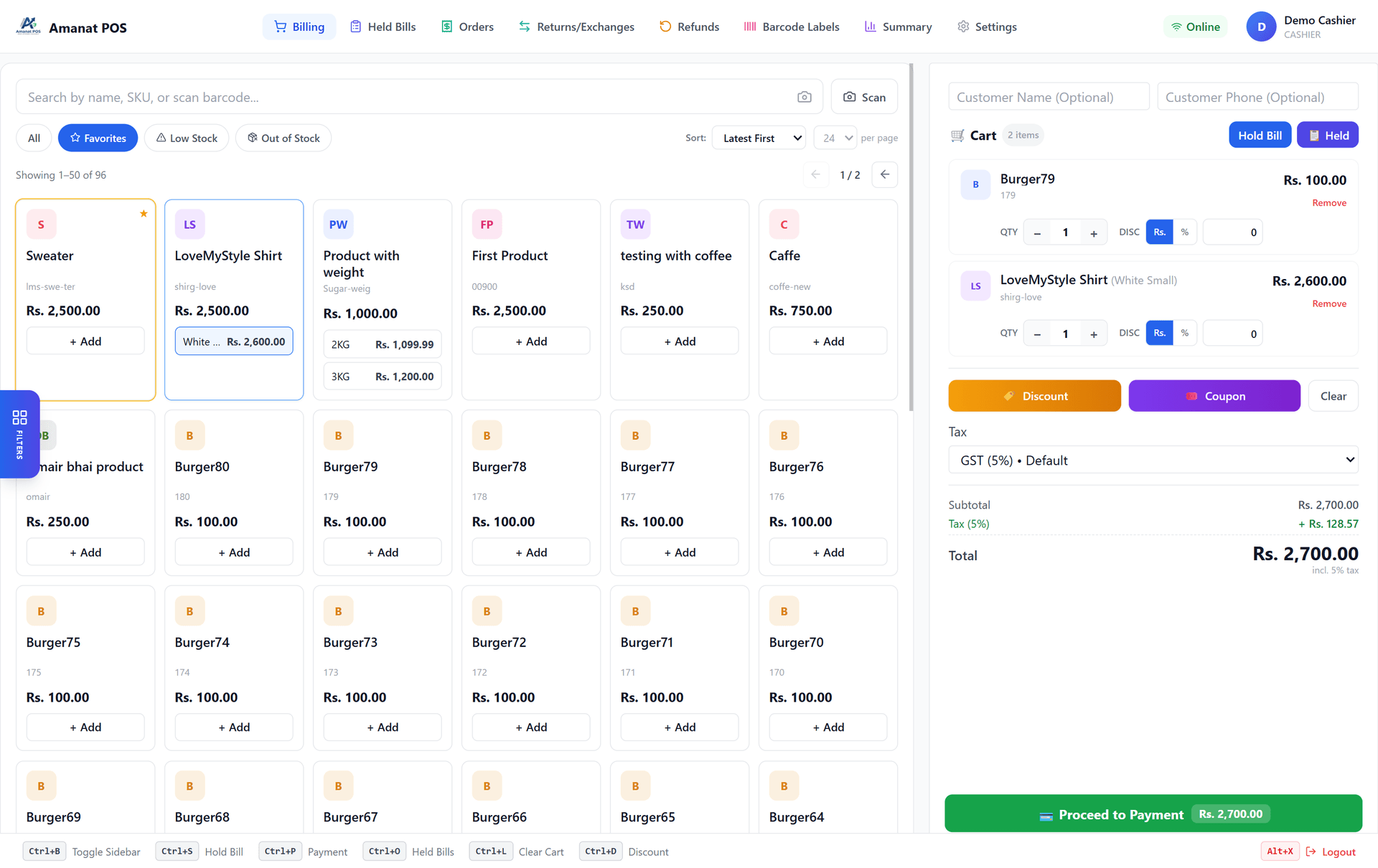
1. Fast billing with a barcode scanner
At a busy counter, every second counts. Your POS should let the cashier scan items, see the total, take payment and print a receipt quickly. Typing every item by hand is slow, and mistakes are easy.
Ask the vendor: Does it work with a barcode scanner? How many steps does a normal sale take?
2. Stock tracking and low-stock alerts
Stock should go down automatically when you sell, and go up when you receive goods. The POS should also warn you when an item is running low, so you do not lose sales because a popular product ran out.
Ask the vendor: Can I see my current stock at any time? Do I get a low-stock alert?
3. Product variants
Many shops sell the same product in different sizes, colors or packs. A shirt in three sizes, or a drink in two bottle sizes, should not need separate, confusing entries.
Ask the vendor: Can I add variants of one product without creating a mess?
4. Returns and refunds
Customers return or exchange things. Your POS should handle this properly, so your stock and your sales numbers stay correct.
Ask the vendor: Can I process a return or refund, and does the stock update automatically?
5. Held bills
Sometimes a customer forgets their wallet, or remembers one more item. Your cashier should be able to put a bill on hold, serve the next customer and come back to the first one later.
6. Customer records and credit
If you give udhaar, you need a proper customer ledger, not a notebook. We explained how to do this in our guide on managing customer udhaar in your shop.
Ask the vendor: Can I keep records for each customer and see what they owe?
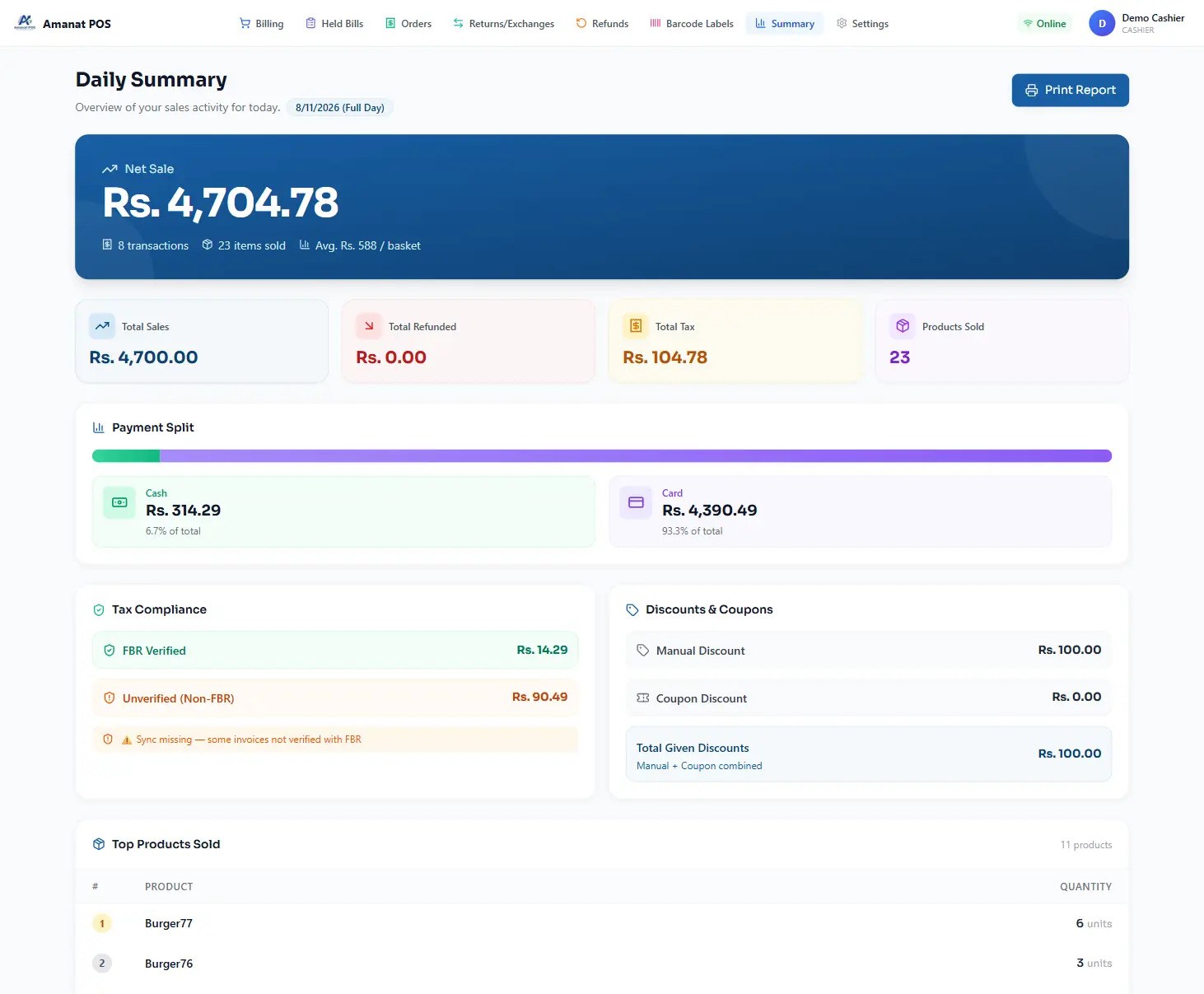
7. Daily reports and cashier summaries
At the end of the day you want to see how much you sold, how much came in by each payment method, and what each cashier handled. If you cannot see these clearly, you cannot find mistakes or leaks.
8. Easy to learn
Shop staff change. If a new cashier needs two weeks of training, that is a problem. Check that the screens are simple, that different users can have different roles (such as admin and cashier), and that there are tutorials or training.
Step 3: Check the price and what is included
Ask for the full price before you start. Find out:
- Is it a monthly subscription or a one-time purchase?
- Is the price per shop location?
- Are essential features locked behind a higher plan?
- Is setup or training charged separately?
- Is there a free trial, and does it ask for a credit card?
We wrote more about this in our guide on what is really free in POS software.
Step 4: Think about internet and setup
Most modern POS systems run in the cloud, which means you can open them in a web browser without a heavy installation. This is convenient, but it depends on your internet. If your internet is unreliable, ask whether an offline option is available.
Common mistakes shop owners make
- Buying only on price, then discovering missing features
- Skipping the demo
- Not testing with real products
- Choosing a restaurant system for a shop (or the other way around)
- Not checking how the cashier will actually use it on a busy day
A quick checklist you can copy
- Barcode billing
- Stock tracking with low-stock alerts
- Product variants
- Returns and refunds
- Held bills
- Customer records and credit
- Daily sales and cashier reports
- Staff roles and easy training
- Clear pricing and support
How Amanat POS fits a retail shop
The Retail Edition of Amanat POS is made for grocery stores, pharmacies, clothing, electronics and general retail. It includes barcode billing, product variants, inventory management, purchase management, returns and refunds, held bills, customer management and low-stock alerts. FBR invoice integration is included.
The Retail Edition costs Rs. 4,999 per month per business location, and the first month is free, with no credit card required. An Offline POS setup with a one-time software purchase is also available if you prefer a locally installed system.
You can read more on the Retail Edition page or see all editions on the pricing page.
The best way to test any POS is to use it with your own products. Add a few items, make some test sales, process a return and look at the daily summary. You can book a demo or start your free first month.
Quick summary
- Start with your shop's daily problems, not with the feature list.
- Check barcode billing, stock tracking, variants, returns, held bills, customer credit and reports.
- Ask for the full price and what is included.
- Think about your internet and whether you need an offline option.
- Always test with your own products before you decide.
Frequently asked questions
What is the best POS for a grocery store in Pakistan? The best POS is the one that matches how your shop works: fast barcode billing, stock tracking, returns and customer records, with clear pricing. Test it with your own products before you decide.
Do I need a barcode scanner for a retail POS? It is not compulsory, but it makes billing much faster and reduces mistakes, especially if you sell many different items.
Can a POS track my stock? Yes. A good retail POS reduces stock when you sell, increases it when you receive goods, and warns you when an item is running low.
Does Amanat POS have a Retail Edition? Yes. The Retail Edition costs Rs. 4,999 per month per business location, with the first month free.
Can I use a POS without internet? Cloud POS systems depend on the internet. Amanat POS also offers an Offline POS setup with a one-time software purchase for businesses that prefer it.
Ready to streamline your business?
See how Amanat POS can help you manage billing, inventory, and operations — all in one system.
Related Articles
Free POS Software in Pakistan: What Is Really Free and What Is Not?
Searching for free POS software in Pakistan? Learn the difference between a free plan, a free trial and a free-looking product with hidden costs, before you commit.
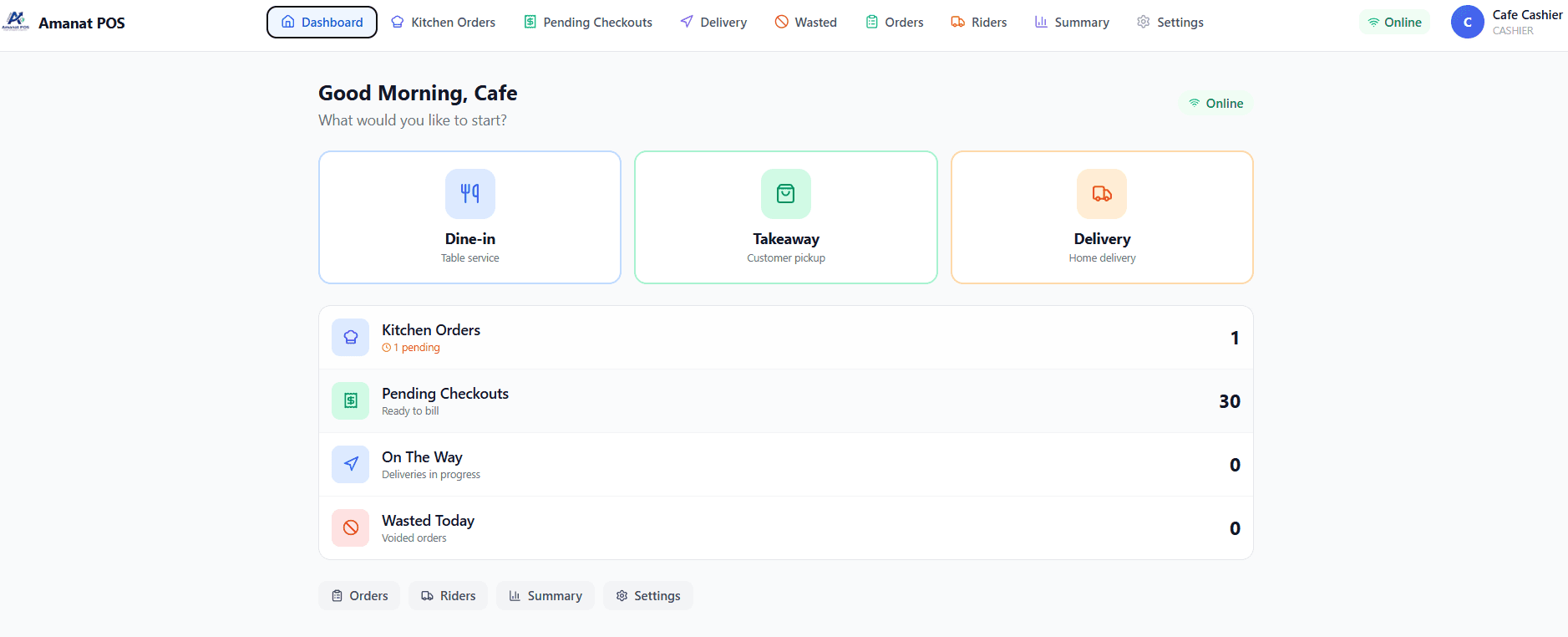
How to Choose a Restaurant POS System in Pakistan: A 2026 Buyer's Checklist
A restaurant is not a shop. Here is a simple checklist to help you choose a POS system that fits table service, kitchen workflow, delivery and FBR requirements.
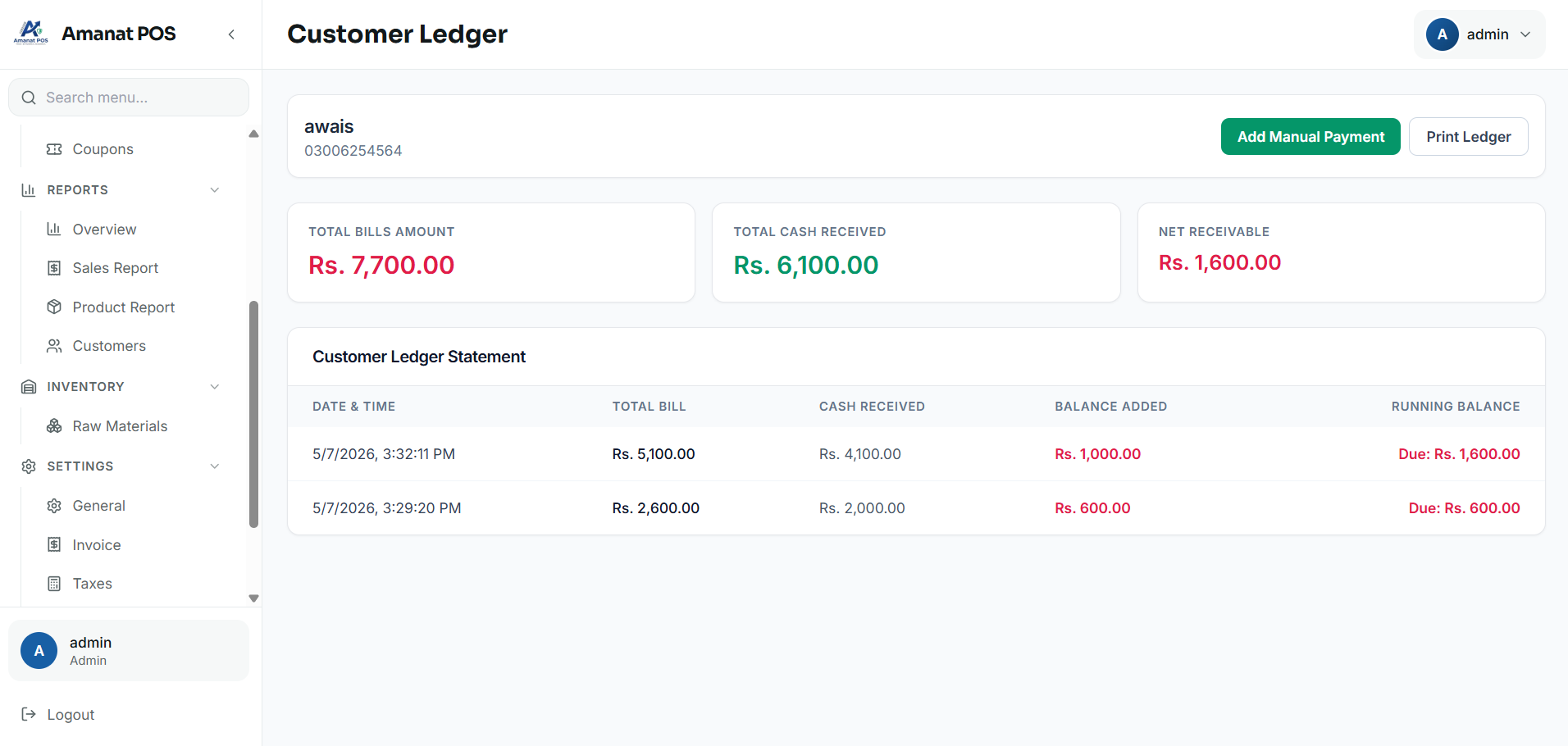
How to Manage Customer Udhaar (Credit) in Your Shop Without a Notebook
Udhaar keeps customers loyal, but notebook records cause disputes and lost money. Learn simple rules to manage customer credit, and how a POS makes it easier.